Why passport photos get rejected
Embassies and passport offices reject millions of photos every year. The reasons are almost always the same: wrong dimensions, wrong head size, wrong background, or a smile they consider "not neutral."
The fix is preparation. Know the exact requirements before you take the photo, crop to the exact pixel dimensions, and you'll pass on the first try. This guide has the dimensions for every major country, plus the practical workflow for cropping your own at home.
Passport photo sizes by country
Dimensions are given as width × height in millimeters. "Head size" is the distance from the bottom of the chin to the top of the skull (excluding hair), measured on the printed photo.
United States — 2 × 2 inches (51 × 51 mm). Head size: 25-35 mm. Background: white or off-white. Expression: neutral, both eyes open.
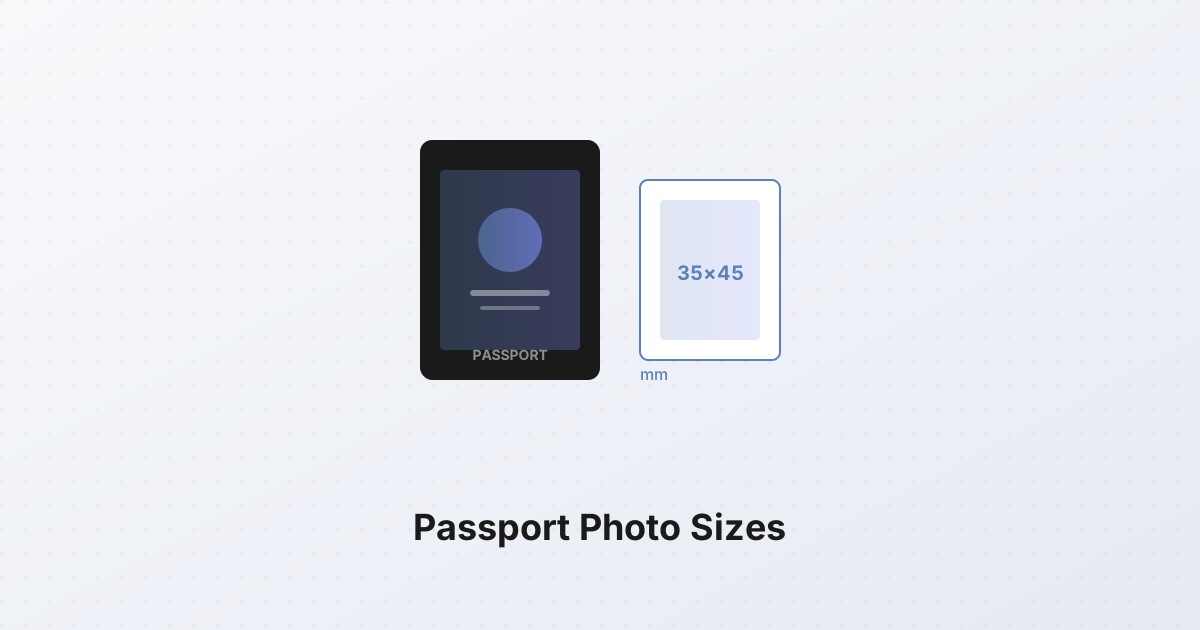
European Union (most members) — 35 × 45 mm. Head size: 32-36 mm. Background: light gray or white, uniform. Expression: neutral.
United Kingdom — 35 × 45 mm. Head size: 29-34 mm. Background: light grey or cream. No patterns.
India — 2 × 2 inches (51 × 51 mm). Head size: 25-35 mm. Background: white.
China — 33 × 48 mm. Head size: 28-33 mm. Background: white. No glasses.
Brazil — 5 × 7 cm (50 × 70 mm). Head size: 50-70% of photo height. Background: white.
Canada — 50 × 70 mm. Head size: 31-36 mm. Background: white or light grey.
Australia — 35 × 45 mm. Head size: 32-36 mm. Background: light grey or white.
Japan — 35 × 45 mm. Head size: 32-36 mm. Background: white, no patterns.
Russia — 35 × 45 mm. Head size: 30-32 mm. Background: white.
Mexico — 2.5 × 3 cm (25 × 30 mm). Head size: 18-22 mm. Background: white.
Saudi Arabia — 2 × 2 inches (51 × 51 mm). Head size: 32-36 mm. Background: white.
If your country isn't listed, the safest default is 35 × 45 mm with a 32-36 mm head size on a white background — this matches the ICAO (International Civil Aviation Organization) standard that most countries follow.
The common rejection reasons
Beyond dimensions, photos get rejected for these reasons:
- Smiling — most countries require a "neutral expression." This doesn't mean stern; it means mouth closed, no visible teeth. The US allows a slight smile; Schengen visas do not.
- Glasses — the US banned glasses in passport photos in 2016. Most countries followed. Take them off.
- Shadows on the background — caused by overhead lighting. Light the subject from the front, not above.
- Head too small or too large — measure chin-to-crown. If it's outside the specified range, retake.
- Background not uniform — a white wall with a shadow is not a uniform white background. Use a plain wall in daylight.
- Hair covering the face — bangs across the forehead are usually fine; hair across the cheeks or eyes is not.
- Headwear — religious headwear is allowed if the face is visible from chin to forehead. Hats, beanies, and headbands are not.
How to take your own passport photo at home
You don't need a photo studio. A phone camera, a plain wall, and daylight are enough.
- Find a plain white or light grey wall. No patterns, no texture.
- Stand 1-1.5 meters from the wall. This minimizes the shadow you cast.
- Face a window. Daylight from the front eliminates shadows. Avoid direct sunlight — overcast days or north-facing windows give soft, even light.
- Take the photo at eye level. Don't shoot up or down — the face should be parallel to the camera.
- Frame head-and-shoulders. Leave space above the head. You'll crop later.
- Hold a neutral expression. Mouth closed, eyes open, looking at the camera.
- Take 5-10 photos. Pick the best one — sharp, well-lit, no blink.
Cropping to exact dimensions
Once you have the photo, you need to crop it to the exact dimensions your country requires. This is where most DIY attempts fail — eyeballing "about 35 by 45" leaves you off by a few millimeters, and the embassy rejects.
The SynoxTools image cropper handles this. You set the aspect ratio to the exact dimensions (e.g., 35:45 for EU, 51:51 for US), position the crop frame so the head fills the correct proportion of the frame (the tool shows the head-size guide), and export. The result is pixel-perfect.
For US 2×2 inch photos, set the aspect ratio to 1:1. For EU/UK/India 35×45, set it to 35:45 (which simplifies to 7:9). For China 33×48, set it to 11:16.
Printing at home vs getting it printed
Passport photos must be printed on photo-quality paper. Most countries accept inkjet prints; some require true photographic prints (laser prints may be rejected).
If printing at home:
- Use photo paper, not plain paper.
- Print at 600 DPI or higher.
- Verify the printed dimensions with a ruler — printers often scale images slightly.
If getting it printed, most pharmacies and copy shops will print a 2×2 inch or 35×45 mm photo for a few dollars. Bring the cropped image on a USB stick or phone.
The takeaway
Passport photo requirements look bureaucratic but they're not mysterious. Get the dimensions right (look up your country above), use a plain background in daylight, keep a neutral expression, and crop to the exact aspect ratio. The SynoxTools image cropper gives you pixel-perfect dimensions. Retake if the head size is wrong — embassies measure.