Why AVIF exists at all
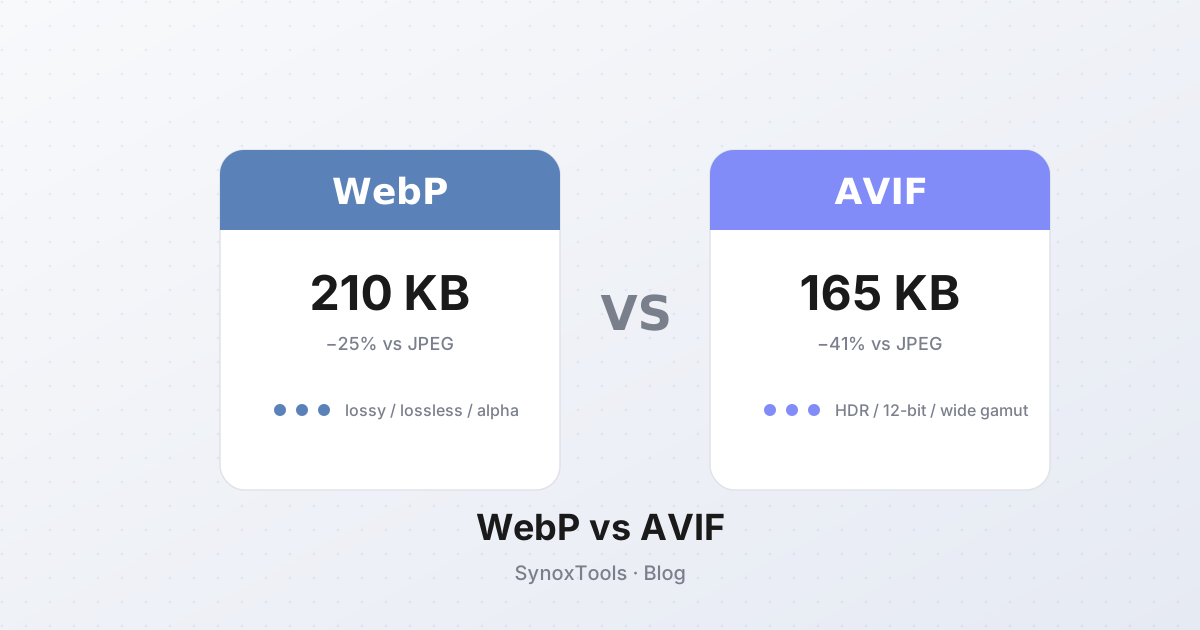
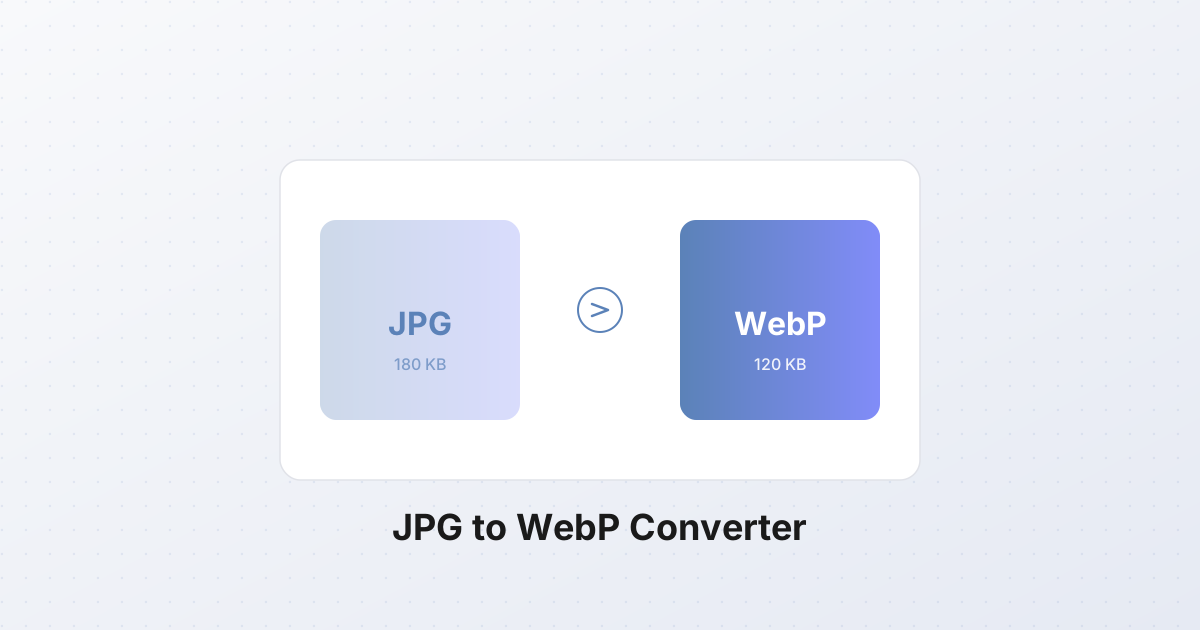
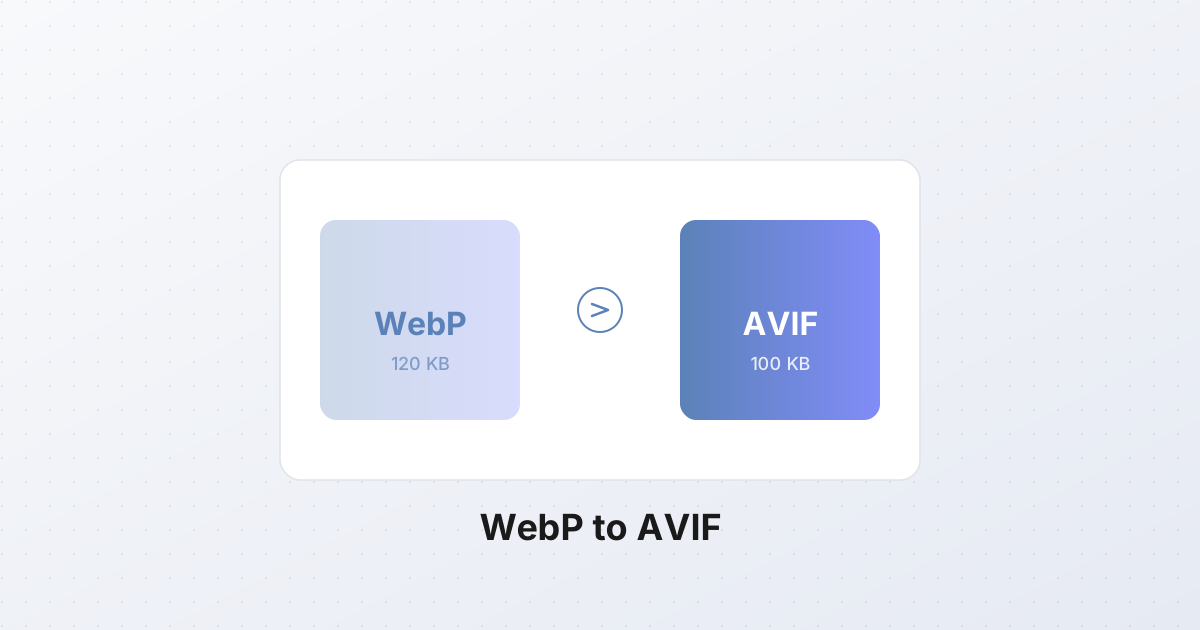
AVIF (AV1 Image File Format) arrived in 2019, built on the AV1 video codec. The promise is real: at the same visual quality, an AVIF file is 10-20% smaller than WebP, which is already 25-35% smaller than JPEG. Stack those savings and a hero photo that was 180 KB as JPEG becomes 120 KB as WebP and roughly 100 KB as AVIF.
On a page with twenty images, that's a 400 KB difference between WebP and AVIF alone — meaningful on mobile networks and meaningful for Core Web Vitals.
But "smaller" is not the whole story. AVIF has real costs: encoding is slow, browser support has gaps, and the format has quirks that don't show up until you ship it.
Browser support in 2026
As of late 2026, AVIF is supported by:
- Chrome 85+ (since August 2020)
- Firefox 86+ (since February 2021)
- Opera 71+
- Android Chrome 85+
- Safari 16.0+ (since September 2022) — the laggard that finally caught up
The remaining gap: older Safari (Safari 15 and below, still used by ~3% of macOS users) and some embedded webviews. If your audience skews Apple-heavy, serving AVIF to Safari 15 users means broken images.
The standard fix is the <picture> element with a JPEG fallback:
html<picture>
  <source srcset="hero.avif" type="image/avif">
  <source srcset="hero.webp" type="image/webp">
  <img src="hero.jpg" alt="Hero">
</picture>
Browsers pick the first format they understand. Safari 15 falls through to WebP; ancient browsers fall through to JPEG.
The encoding speed problem
This is the cost nobody talks about. Encoding a single AVIF at quality 60 takes 3-5× longer than encoding the same image as WebP at quality 80. On a fast laptop, that's the difference between 80 ms and 350 ms per image — invisible for one photo, painful for a batch of 500.
The reason: AVIF's AV1-based compression searches a much larger space of possible transformations. The result is better, but the work is real.
For a website that pre-generates thumbnails at build time, this barely matters — build once, serve forever. For a tool that converts on demand in the browser, it matters a lot. The SynoxTools converter uses the browser's native AVIF encoder via Canvas API, which is fast enough for single files. For batch conversion of hundreds of images, WebP is still the pragmatic default.
When AVIF is worth it
Use AVIF when:
- You serve many images on a high-traffic site (the bandwidth savings compound).
- You have a build step that can pre-encode once.
- Your audience is mostly modern browsers (Chrome, Firefox, Safari 16+).
- You care about LCP (Largest Contentful Paint) — smaller hero images load faster.
Skip AVIF when:
- You need maximum compatibility (JPEG still wins).
- You're encoding many images on the fly in the browser (encoding speed bites).
- Your audience includes older Safari users and you don't want the
<picture>fallback complexity. - You're shipping a single small image where the savings are negligible.
AVIF's quirks
AVIF has a few rough edges worth knowing:
- Progressive decoding is not supported. JPEG and WebP can render a low-quality preview while the full file downloads; AVIF cannot. For slow connections, this is a real UX regression.
- Animated AVIF is technically possible but poorly supported. Use animated WebP or GIF for animation.
- Maximum dimensions are 8192×8192. Larger images must be tiled.
- Some encoders produce dark images at low quality settings — quality 30 in AVIF looks worse than quality 30 in WebP. Tune by eye, not by number.
The decision framework
For most websites in 2026:
- JPEG for backward compatibility and email.
- WebP for general web serving — 95% of browsers, good compression, fast encoding.
- AVIF for high-traffic pages where every KB matters, served via
<picture>with WebP and JPEG fallbacks.
If you're converting a personal photo or a small batch, WebP is the default. If you're optimizing a CDN-served landing page that gets a million views, AVIF pays for itself.
Converting in the browser
The SynoxTools image converter handles all three formats. Drop an image, pick the output (JPEG, PNG, WebP, AVIF), and the conversion runs locally — no upload, no server round-trip. For batch conversion of a folder of images to AVIF, expect roughly 3-5× longer than the same batch to WebP. That's the format's cost, not the tool's.
The takeaway
AVIF is a genuine improvement — smaller files at the same quality. But it's not free: encoding is slow, Safari 15 needs a fallback, and the format has quirks. For most users, WebP remains the right default. For high-traffic sites, AVIF is worth the complexity. Pick based on your actual traffic and constraints, not on the format's reputation.