The shift you did not notice
In 2015, editing a photo meant downloading software. Photoshop was 2 GB, GIMP was 200 MB, and even "lightweight" editors like Paint.NET required an install. The browser was for viewing photos, not editing them.
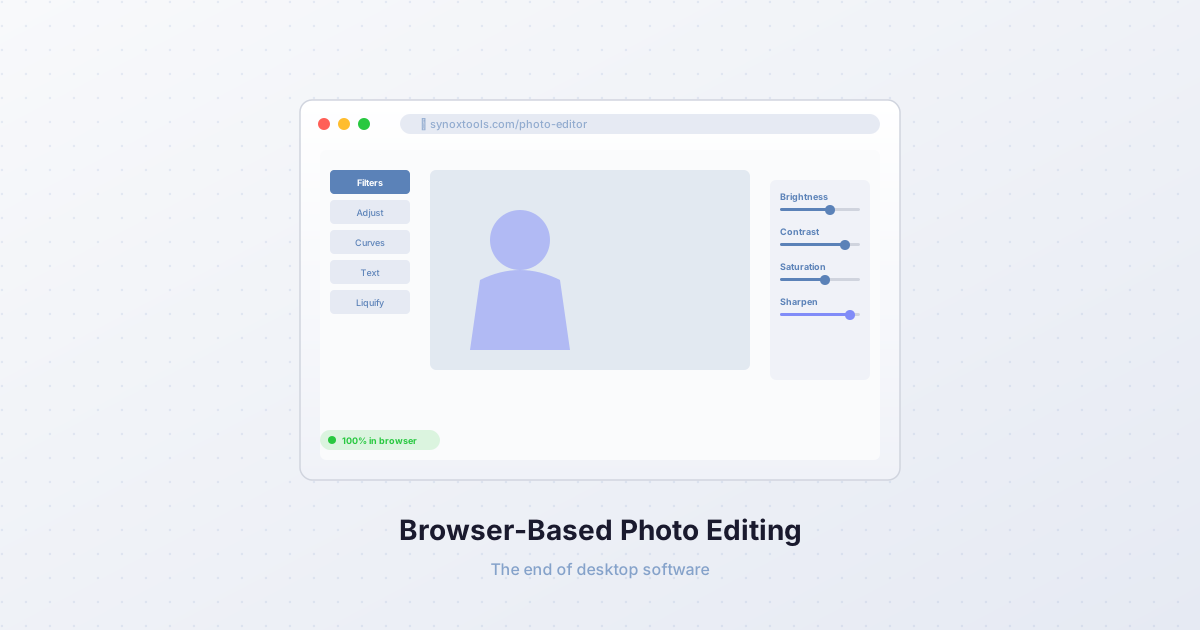
In 2026, this is no longer true. Canva, Photopea, Pixlr, and Fotor run entirely in the browser. They are not "web versions" of desktop software — they are native web applications that happen to be as powerful as the desktop tools they replaced. The shift happened so gradually that nobody announced it, but it is complete.
How we got here
Three technologies made browser-based photo editing possible:
1. Canvas API
The Canvas API, introduced in 2008, gave browsers the ability to draw and manipulate pixels. Before Canvas, the browser could only display images — it could not change them. With Canvas, every pixel of an image became programmable: you could read it, modify it, and write it back, all in JavaScript.
Canvas is fast. A modern browser's Canvas implementation uses GPU acceleration via WebGL or the newer WebGPU API. A 4000×3000 photo can be processed in milliseconds — not the seconds you might expect from "JavaScript".
2. WebAssembly
WebAssembly (WASM), introduced in 2017, allows compiled code (C, C++, Rust) to run in the browser at near-native speed. This is critical for image processing, where the heavy lifting — convolution filters, color space conversions, neural network inference — is written in C for performance.
Before WASM, image processing in the browser was limited to what JavaScript could do, which was slow for large images. With WASM, a browser can run the same C code that desktop software uses, with only a 10-20% performance penalty. For most operations, this is imperceptible.
3. Web Workers
Web Workers allow JavaScript (and WASM) to run in background threads, separate from the main UI thread. This means a heavy image processing operation — say, removing the background from a 24-megapixel photo — can run without freezing the browser tab. The user can scroll, click, and interact with the page while the processing happens in the background.
Without Web Workers, any operation longer than 100ms would make the page feel "janky" — unresponsive and broken. With them, even multi-second operations feel smooth.
What can browsers do now
In 2026, a browser can:
- Apply 100+ filters to a 4K photo in real-time. Brightness, contrast, saturation, hue, sepia, blur, sharpen — all update instantly as you drag a slider.
- Remove backgrounds using AI (MediaPipe Selfie Segmentation runs in the browser, no server needed).
- Upscale images 4× using Lanczos resampling or AI models (via ONNX Runtime Web).
- Edit layers with blend modes, masks, and adjustment layers — the same feature set as Photoshop's core workflow.
- Process 500 photos at once (batch processing) without uploading any of them.
- Run Photoshop-style Curves, Levels, and Color Balance adjustments — all client-side, all real-time.
The feature gap between browser-based editors and desktop software has closed. For 95% of users, there is no longer a reason to install photo editing software.
The privacy advantage
Browser-based editing has one advantage that desktop software can never match: privacy.
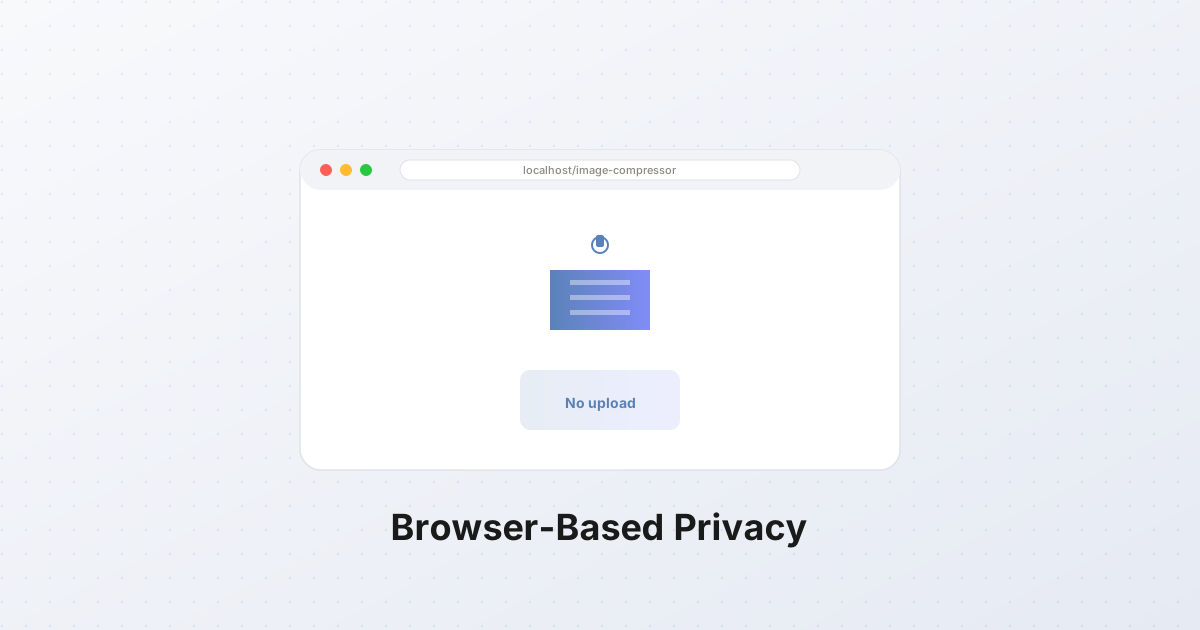
When you edit a photo in a browser using client-side processing, the photo never leaves your device. It is not uploaded to a server. It is not stored in the cloud. It is not accessible to the company that made the tool, to advertisers, to data brokers, or to anyone else.
This is not a minor point. Your photos contain metadata — GPS coordinates, timestamps, device serial numbers. They contain faces, locations, and personal information. Cloud-based editors (even those that promise to delete your photos after processing) have a trust problem: you cannot verify that they deleted anything.
Client-side editing eliminates this problem entirely. There is no server, so there is no server-side data to leak, steal, or misuse.
The performance reality
The one area where desktop software still wins is raw performance. A desktop app can use 100% of your CPU and GPU for as long as it wants. A browser tab is constrained — it shares resources with other tabs, and the browser will throttle or kill a tab that uses too much memory.
For most editing tasks — filters, adjustments, cropping, background removal — this does not matter. The operations are fast enough that the browser's constraints are invisible. For heavy tasks — batch processing 500 large photos, running a diffusion model, exporting at 8K — desktop software is still faster.
But the gap is closing. WebGPU, which gives browsers direct access to the GPU, is now supported in all major browsers. Image processing that runs on the GPU is 10-100× faster than on the CPU. As more tools adopt WebGPU, the performance difference between browser and desktop will disappear.
When desktop still makes sense
Desktop photo editing software is still the right choice for:
- Professional workflows that require color management (ICC profiles, calibrated monitors, CMYK proofing). Browser color management is improving but not yet professional-grade.
- Heavy batch processing (thousands of photos). Desktop software can use all available RAM and CPU without browser constraints.
- Raw file editing (CR2, NEF, ARW). While browsers can now decode some raw formats, the quality and speed are still below dedicated raw processors like Lightroom or Capture One.
- Plugin ecosystems. Photoshop has 30 years of plugins. Browser-based editors are catching up, but the ecosystem is still smaller.
For everyone else — hobbyists, social media managers, small business owners, students, designers who do not need color-calibrated workflows — a browser-based editor is sufficient. And it has advantages desktop software cannot match: no install, no updates, no license fees, works on any device, and your photos never leave your device.
The future
The trajectory is clear. Browser-based tools will continue to improve. WebGPU will bring desktop-level performance. AI models will shrink and run faster. The gap between "browser editor" and "desktop software" will vanish.
The next frontier is collaboration. Browser-based editors can share documents in real-time, like Google Docs but for images. Desktop software cannot do this natively — it requires a separate cloud service. As real-time collaboration becomes expected, the browser becomes the only viable platform.
For now, if you have not tried editing photos in a browser recently, you will be surprised. The tools are faster, more capable, and more private than the desktop software you are used to. And they are free.