Why GIFs still matter
In a world of 4K video and instant-streaming everything, the GIF — a 1987 image format capped at 256 colors — refuses to die. The reason is simple: GIFs autoplay. They loop silently. They work everywhere: Twitter, Reddit, Telegram, Discord, Slack, README files on GitHub. No player controls, no buffering, no "click to play" wall. The motion just starts.
For social media and messaging, this matters more than resolution. A 480×480 GIF that loops in two seconds outperforms a 1080p video that needs a tap to start. People scroll fast. Autoplay is the only way to catch them.
GIF vs video: when each wins
Pick a GIF when:
- The clip is under 6 seconds and loops cleanly.
- You need silent autoplay in a feed (Twitter, Reddit, Slack).
- The motion is graphical, not photographic — text animation, UI demo, simple illustration.
- File size under 2 MB is required (Discord emoji, email signatures).
Pick a video (MP4 / WebM) when:
- The clip is longer than 10 seconds — GIF size explodes past 5 MB.
- You need audio (GIF has none).
- You want true color (GIF is limited to 256 colors per frame).
- You need smooth gradients — GIF's color restriction produces banding in skies and skin.
Frame timing: ms vs FPS
GIF stores a delay per frame in milliseconds (technically centiseconds, multiples of 10 ms). Two ways to specify it:
- Milliseconds per frame — the natural unit. 100 ms = 10 fps; 40 ms = 25 fps; 33 ms ≈ 30 fps.
- Frames per second — familiar from video. The tool converts:
delay_ms = 1000 / fps.
Practical ranges:
- 500–1000 ms / frame — slow reveal, suspense, meme punchline timing.
- 100–200 ms / frame — natural motion, the YouTube default for short clips.
- 40–80 ms / frame — fast motion, UI demos, smooth animation.
- Below 33 ms — browsers cap minimum GIF delay at 20 ms; lower values get clamped.
Most browsers also round delays to the nearest 10 ms, so 67 ms becomes 70 ms. Don't chase precision below 50 ms.
Advanced controls worth using
- Reverse — play frames backward. Great for "before / after" reveals and symmetry loops.
- Fade transition — insert 2–4 cross-dissolved frames between cuts. Eliminates jarring hard cuts and makes loops feel seamless.
- Palette size — Auto (256) for photos, 128 for balanced, 64 / 32 / 16 for flat graphics. Smaller palettes = smaller files, but gradient banding appears below 64.
- Dithering (Floyd-Steinberg) — spreads the palette limitation across pixels so gradients look smoother. Costs file size. Turn ON for photos, OFF for flat color graphics.
- Playback speed — 0.25× to 4×. Compress a 4-second clip into a 1-second hyperlapse, or stretch a 1-second burst into a slow-motion loop.
- Loop count — infinite (default) or N times (1/3/5/10/custom). Useful for inline demos that should play once and stop.
- Text overlay — caption, font size, color, position (top/center/bottom). Adds context to product demos and memes.
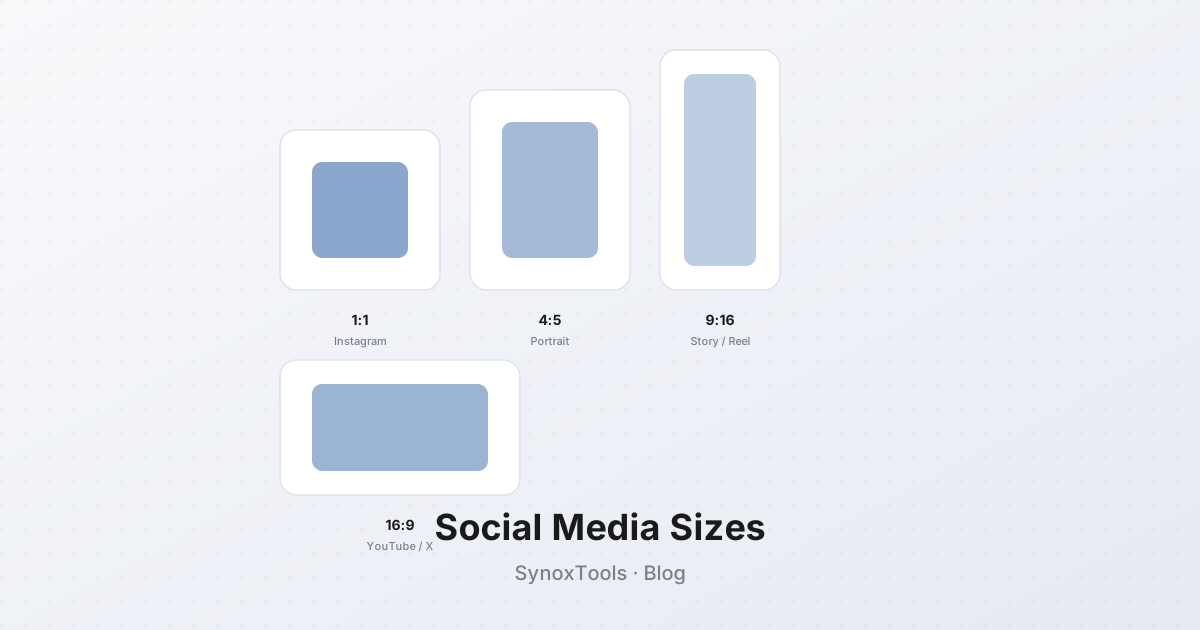
- Frame size — original, 1:1 (square, Instagram-friendly), 16:9, 9:16 (vertical, TikTok/Reels), 4:3, 3:2.
File size optimization
GIFs balloon quickly because every frame stores the full image (no inter-frame compression like video). A 480×480 GIF at 10 frames and 256 colors typically lands at 500 KB – 2 MB. Push to 30 frames and you are at 5 MB+.
To shrink:
- Reduce palette from 256 → 128 colors. ~25% smaller, almost invisible on photos.
- Enable dithering only if needed — it adds entropy that the encoder must store.
- Resize to the smallest acceptable dimension. A 480×480 social GIF looks the same as 720×720 on mobile, at 40% of the bytes.
- Cut the frame count. 8 frames at 80 ms beats 16 frames at 40 ms — same duration, half the bytes.
- Skip duplicate frames (the tool does this automatically when enabled). Static sections of the clip collapse to one frame.
- Use Fade transitions sparingly — each transition frame is a new full image.
For comparison, the same 2-second clip:
| Format | Quality | Size | |---|---|---| | GIF, 256 colors, 480×480 | Limited | ~1.4 MB | | GIF, 64 colors, 480×480 | Limited | ~700 KB | | WebP (animated) | Full color | ~400 KB | | MP4 (H.264) | Full color | ~150 KB |
When size matters more than universal autoplay, convert to MP4. When universal silent autoplay matters more than bytes, use GIF.
Use cases
- Memes and reactions — the format that defined the genre. Quick cuts, big text, 2–3 seconds.
- Product demos — show the new feature in 4 frames. Loop forever on a landing page.
- Tutorials — record the action, trim to 8 frames, caption each step.
- Telegram / Discord stickers — 512×512 max, often smaller. Loop with subtle motion.
- Twitter / Reddit posts — autoplay in feed catches the eye. 480×480, under 3 MB.
- GitHub READMEs — animated demos of CLI tools and UI flows.
- Email signatures — small looping logos, 200×80 px, under 100 KB.
A quick workflow
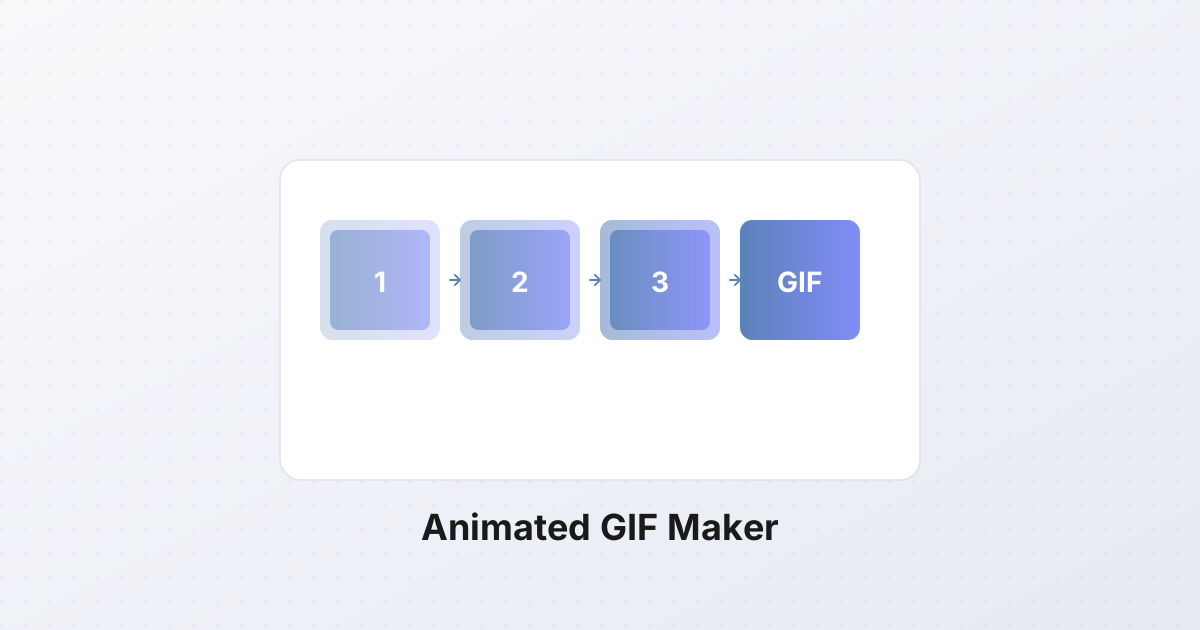
- Capture frames — burst mode on your phone, or a screen recorder trimmed to the key 2 seconds.
- Drop them into the GIF maker, drag to reorder.
- Set the timing to 100 ms (10 fps) as a starting point.
- Pick a palette — Auto for photos, 64 for graphics.
- Enable dithering for photos, disable for flat colors.
- Add a text overlay if it is a demo or meme.
- Preview, adjust speed, generate.
- If the file is over 3 MB, drop the palette to 128 or resize to 360×360.
A polished GIF takes about 90 seconds to build. The format may be 38 years old, but for silent looping motion, nothing has replaced it.