What EXIF actually contains
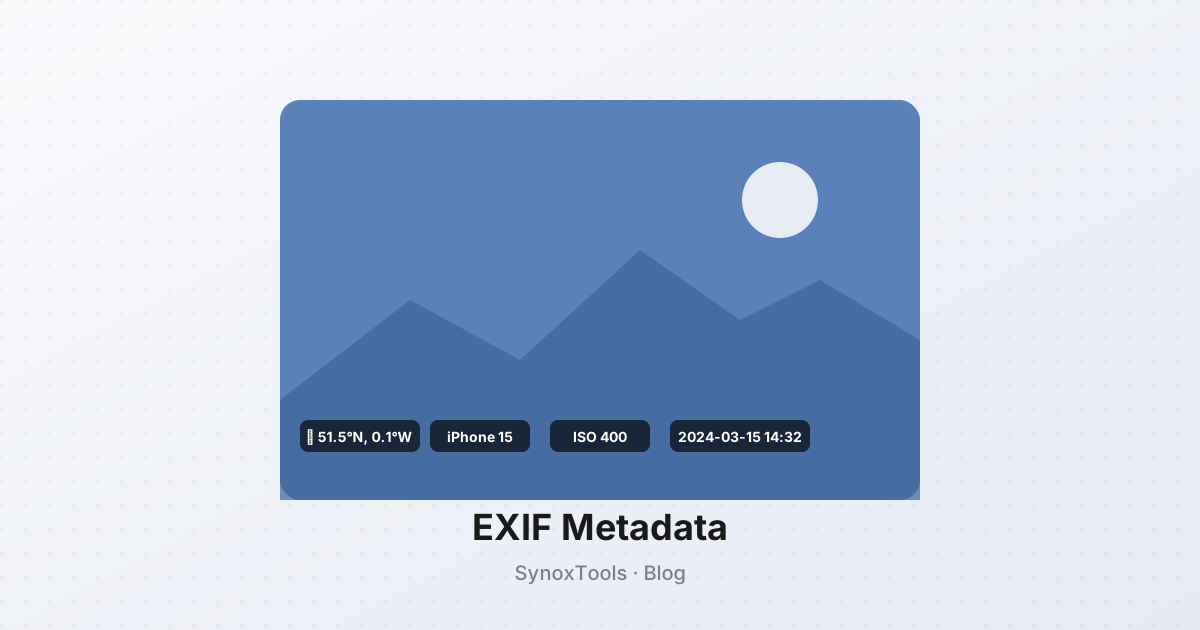
When you take a photo, the camera writes a small block of metadata into the file. This block — the EXIF (Exchangeable Image File Format) — can include:
- GPS coordinates — exact latitude and longitude where the photo was taken, often accurate to within 5 meters
- Date and time — when the photo was taken, in the camera's local timezone
- Device make and model — e.g. "Apple iPhone 15 Pro"
- Software versions — iOS version, camera app version
- Camera settings — ISO, shutter speed, aperture, focal length, exposure bias
- Lens serial number — uniquely identifies the physical device
- Orientation — how the sensor was rotated when the shot was taken
- Thumbnail — a small preview image, sometimes with edits you thought you'd discarded
Some of this is useful (orientation tells the viewer how to display the photo). Most of it is not — and a lot of it is private.
Who reads this data
Anyone who has the file. EXIF is not encrypted, not hidden, not protected. When you:
- Post to social media — most platforms (Instagram, Facebook, X, Twitter) strip EXIF on upload. This is the safe case. But Telegram, Discord, Slack, and direct messaging apps often preserve it.
- Email a photo as an attachment — full EXIF travels with the file.
- Upload to a personal website or blog — full EXIF is served to every visitor.
- Share via cloud storage (Google Drive, Dropbox) — full EXIF is preserved in the original file.
- Send via AirDrop or Bluetooth — full EXIF preserved.
A 30-second inspection with any EXIF viewer (there are dozens of free ones) reveals everything: where you live, when you were there, what device you used.
The privacy risk
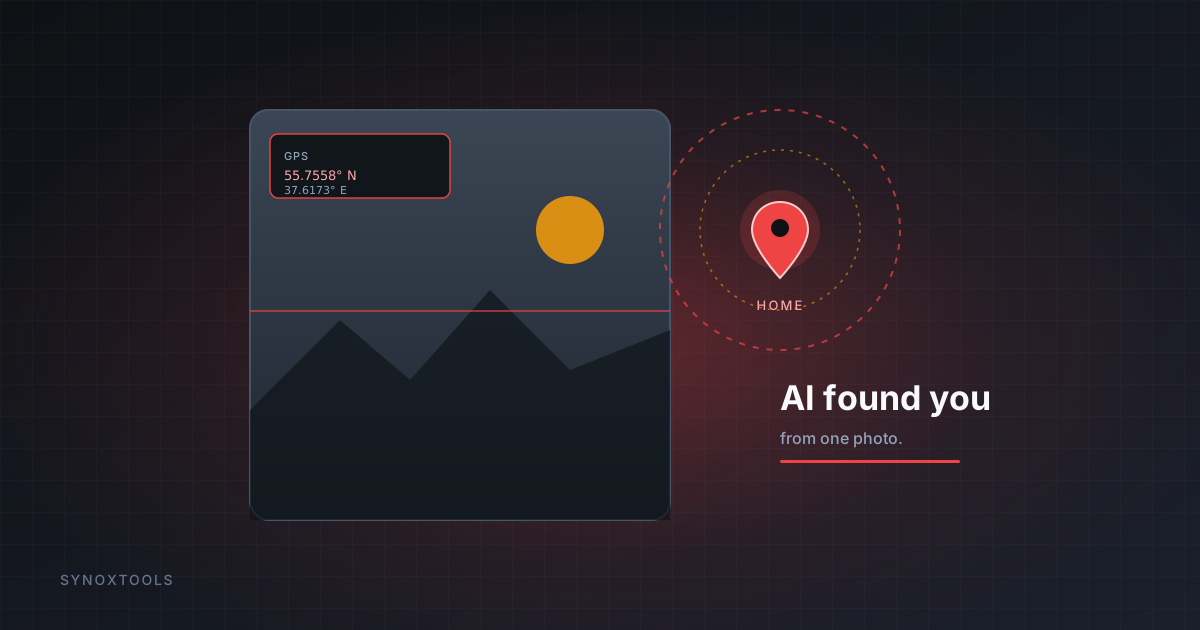
The most dangerous field is GPS. If you take photos at home and share them unstripped, you have published your home address. If you take photos at a hotel on vacation, you have published where you are staying. If you take photos at a friend's house, you have published their address.
In a 2023 study by Stanford researchers, 23% of photos shared on Telegram and Discord contained accurate GPS coordinates — including photos of children, taken at home, posted in parenting groups.
Less dramatically but still concerning: timestamps reveal routines ("this person takes photos at 9 AM every weekday — they commute then"), device serial numbers enable tracking across multiple posts even when names change, and thumbnails sometimes contain edits that were cropped out of the visible image.
How to strip EXIF
Three options:
- In your phone's share sheet — iOS and Android both offer "All Photos Data" or "Most Compatible" toggles that include or exclude EXIF. The exact option varies by version, but it is there. Use it.
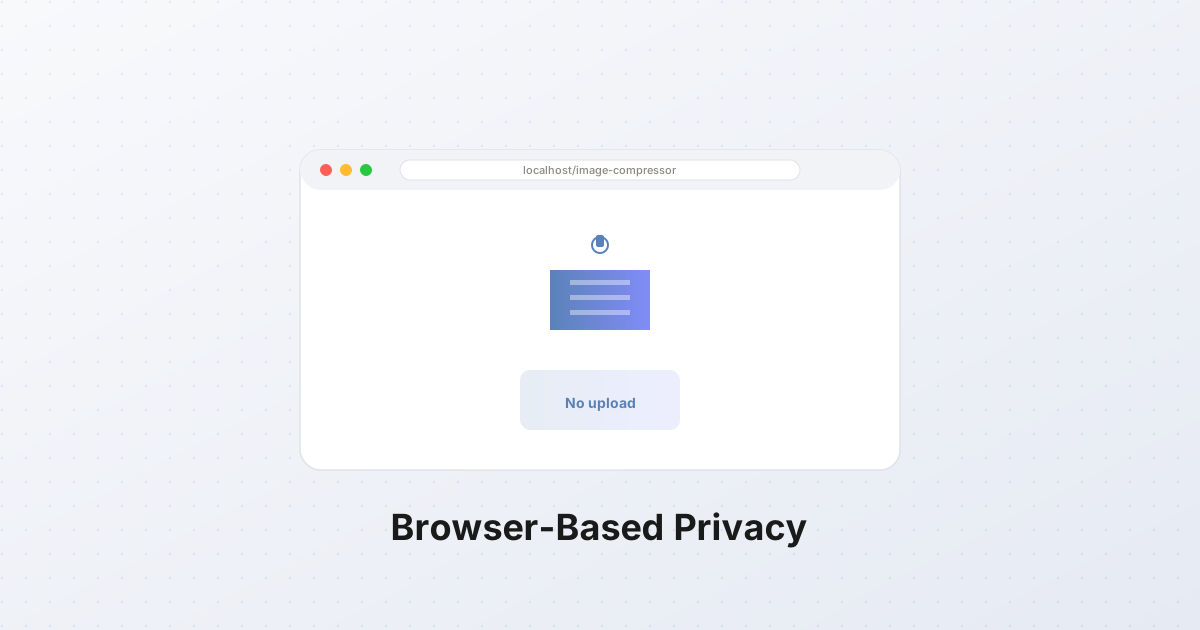
- In a dedicated tool — drag the file into the EXIF Remover on this site. It runs in your browser, no upload, no server processing. Strips every field, returns the clean image.
- In your photo editor — most editors (Photoshop, GIMP, Affinity Photo) have an "Export without metadata" option. Use it.
The second option is the easiest for one-off photos. The first is best for everything you'll ever share from your phone.
What you keep after stripping
The visible image is unchanged. Color, sharpness, composition — all the things you actually care about as a viewer — are identical. Stripping EXIF removes only the metadata block, which the camera wrote and which the viewer does not see.
The only practical loss: orientation. If your phone wrote "this photo was taken in portrait mode, rotate 90°" into EXIF, stripping it leaves the photo in landscape orientation. Good EXIF removers apply the rotation to the pixel data before stripping, so the displayed photo stays upright. SynoxTools does this automatically.
What about watermarks and copyright info?
EXIF supports an "Artist" and "Copyright" field. Some photographers embed their name and copyright notice there. Stripping EXIF removes this too.
If you want to assert copyright on an image, do it visibly — a watermark or a visible "© Name" caption. Hidden copyright notices in EXIF are easy to strip and rarely seen by viewers anyway. The Watermark tool on this site adds visible protection in seconds.
The bottom line
Strip EXIF from every photo you share. It costs you nothing (the visible image is identical), takes seconds, and protects your location, your routines, and your devices. There is no reason not to.