What WebP is — and why it's everywhere
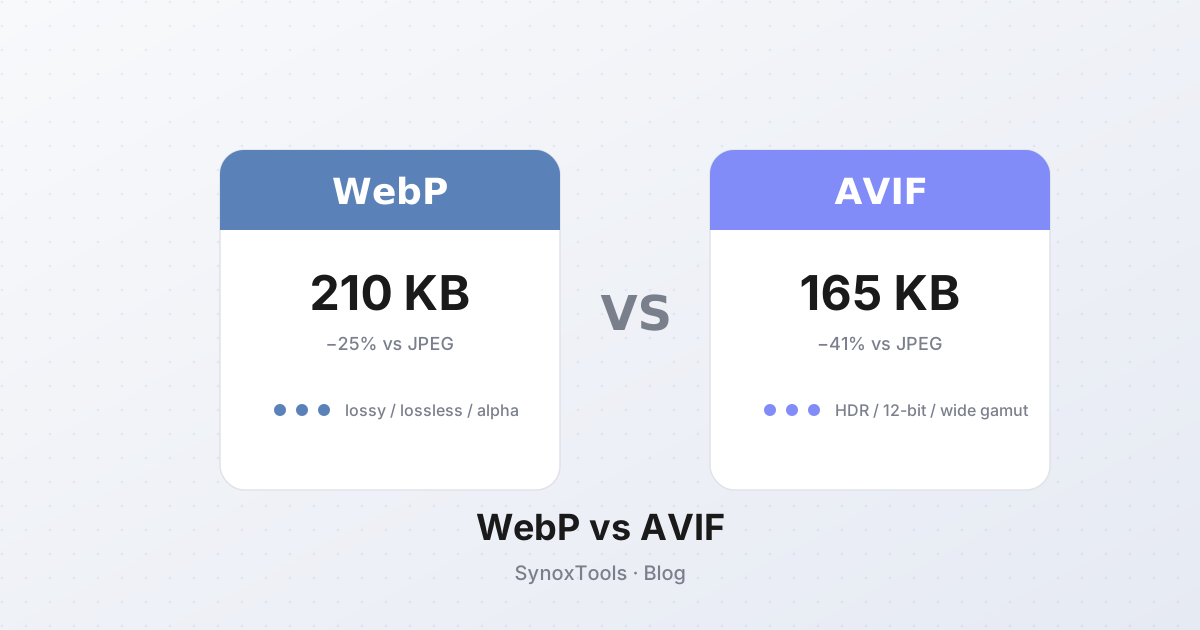
WebP is Google's image format, introduced in 2010 and pushed hard by Chrome, Android, and the broader web ecosystem. The pitch is simple: a WebP file is 25–35% smaller than a JPEG at the same quality, and supports features JPEG can't — lossless compression, alpha transparency, and even animation.
By 2026, WebP is the dominant web image format. Most CDNs (Cloudflare, Imgix, Cloudinary) auto-convert uploads to WebP. WordPress ships WebP by default. Save any image from a modern website and there's a good chance it's a .webp file.
The problem: WebP compatibility
WebP works fine in browsers — Chrome, Edge, Firefox, and Safari all support it. The trouble is outside the browser:
- Older Photoshop (pre-23.2) — can't open WebP without a plugin.
- Older Windows — Windows 10 needs the WebP codec from the Microsoft Store.
- Email clients — Outlook, Apple Mail, and many webmail clients refuse or mangle WebP attachments.
- Design tools — older Sketch, Figma imports, and some Adobe apps don't read WebP.
- Office software — Word, PowerPoint, Excel embeds may break.
- Legacy systems — old CMS, donation forms, banking portals.
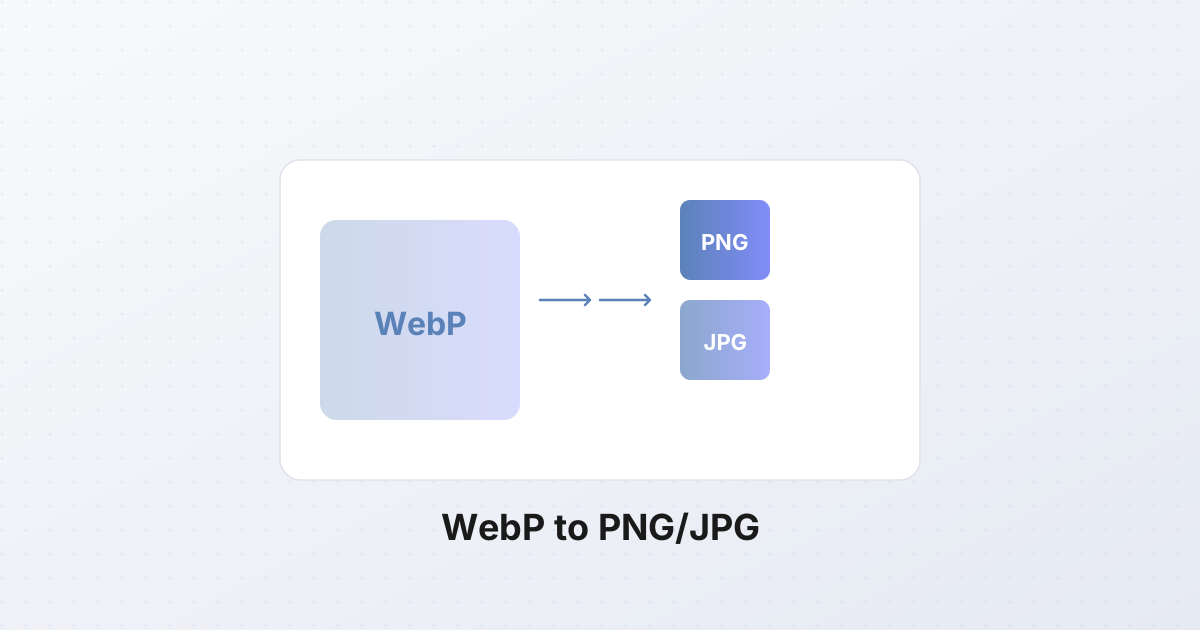
So you download a .webp file from the web and … can't open it. The fix: convert to PNG or JPG.
When to convert WebP to PNG
- You need to edit the image in Photoshop, GIMP, or another tool that doesn't read WebP.
- You need transparency preserved (logos, icons with alpha).
- You need lossless quality for further processing.
- You're placing the image in a document or email that doesn't support WebP.
PNG is lossless, supports 8-bit transparency, and is universally openable. The trade-off: PNG files are larger than the original WebP — typically 2–4× the source size for photos.
When to convert WebP to JPG
- You have a WebP photo and need a smaller, universally compatible file.
- You're emailing or messaging and want max compatibility.
- The image has no transparency.
JPG is the most widely supported image format on Earth. Every device, every app, every browser opens it. For photos without transparency, JPG at quality 90 is barely larger than the WebP source.
How conversion works in the browser
The browser's Canvas API handles the re-encoding:
- Browser decodes the .webp file into raw pixels.
- Pixels are drawn onto an in-memory
<canvas>. - The canvas is re-encoded as PNG (
canvas.toBlob('image/png')) or JPG (canvas.toBlob('image/jpeg', quality)).
No upload, no server — everything happens on your device. This is the same mechanism the WebP converter on this site uses.
Step-by-step: convert a WebP file
- Open the WebP converter.
- Drag and drop your .webp files (or click to browse).
- Pick the output format:
- PNG for editing, transparency, or lossless.
- JPG for photos, smaller files, max compatibility.
- If JPG, set quality (default 90).
- Click Convert.
- Download the result — single file, or all files as a ZIP.
When to keep WebP vs convert
Keep WebP when:
- The image is for web use (web pages, web apps).
- You want the smallest possible file.
- The destination platform supports WebP.
Convert when:
- The destination doesn't support WebP (email, old software, design tools).
- You need to edit the image in software that doesn't read WebP.
- You're embedding the image in a document, presentation, or PDF that needs a universally compatible format.
The rule of thumb: WebP for serving on the web, JPG/PNG for editing and sharing.
Batch: convert a folder of WebP files
Drag in 10, 50, or 500 .webp files at once. The converter processes each in your browser and bundles the results into a single ZIP. Useful for migrating an asset library, prepping photos for a non-WebP CMS, or bulk-converting downloads.
The takeaway
WebP is a great format for the web — but the web isn't the only place images live. When WebP won't open in Photoshop, won't attach to an email, or won't display in some legacy app, converting to PNG or JPG takes seconds in your browser. Keep WebP for web serving; convert for compatibility.